
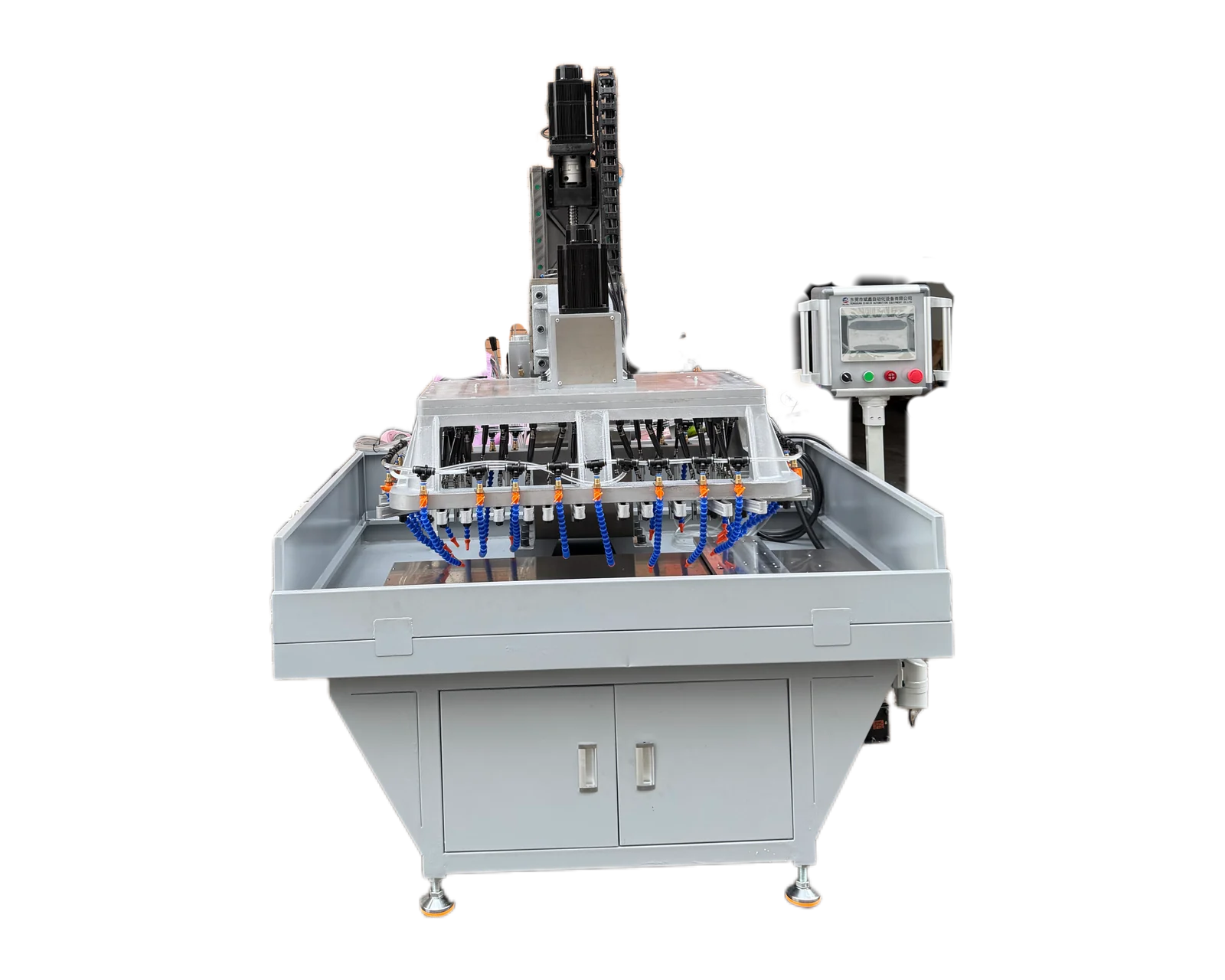
Explore equipment for your inquiry
Servo Traverse Multi-Spindle Drilling & Tapping Machine →Review the published specifications and configuration options against your part drawing before requesting a quote.
Show the part the machine will actually receive
A finished product image may hide the condition relevant to an equipment quotation. Start with the incoming workpiece before the proposed drilling or tapping operation. Identify whether the photographed item is a prototype, current production piece or finished reference. If several stages are useful, keep them in separately labelled groups so existing holes are not mistaken for requested new operations.
Include a readable part reference and the applicable drawing revision in the photo manifest. When the photographed piece differs from that revision, state the difference instead of relying on the reviewer to discover it. The aim is to connect visible features to a known technical context, while the controlled drawing remains the source for dimensional requirements.
Choose views that answer specific application questions
A few purposeful images usually explain more than many near-duplicates. Keep the part clearly visible, avoid glare over relevant features and use consistent orientation labels. The following set is a starting checklist, not a requirement to reveal information beyond your authorized project scope. Mark any missing view and the question it leaves unresolved.
Use scale and arrows as context rather than measurement
An identified scale reference can communicate approximate size, but perspective and placement affect its appearance. Do not read precision dimensions or tolerances from the image. Provide those requirements through the controlled drawing, and ask for clarification when the photograph appears inconsistent. A visible ruler is supporting context, not a substitute for a defined measurement method.
Use short feature labels and orientation arrows that correspond to the drawing or an accompanying sketch. Preserve an unobscured copy when annotations cover important details. In a hypothetical inquiry, marking one bore as existing and another face as proposed tapping prevents a reviewer from assuming both require drilling. That example illustrates communication only; it does not establish a suitable machine configuration.
Make hidden and uncertain features explicit
Photographs may not show internal intersections, blind depths, material identification or the intended locating references. List these as questions and provide the relevant drawing sections or authorized technical descriptions. Avoid asking the supplier to infer an unseen wall or clearance from an exterior image. If a feature cannot be photographed clearly, explain the limitation rather than supplying an ambiguous close-up without context.
Record visible differences between specimens, including whether a surface is untreated, coated or already machined, using the information your team has confirmed. Do not diagnose material grade or acceptance from appearance alone. Where two variants look similar, photograph and label them separately, then link them to the part-family information that defines their actual differences.
Send the photo set with a short question list
Name files consistently and prepare a manifest containing the part reference, view, incoming or finished status and any known mismatch with the drawing. Open the actual attachments before sending to ensure feature labels remain readable. Select the images that support the current decision and keep superseded sets identifiable so later reviewers do not mix old and current specimens.
For a BINSING inquiry, email the labelled photos with the controlled drawing and describe the requested operations, supply condition and output requirement. Highlight the two or three questions the pictures help explain, such as orientation, visible existing holes or incoming presentation. Request clarification of missing information before treating an initial application response as a confirmed equipment proposal.